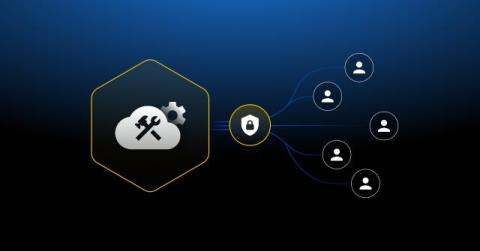
Traditionally, engineers have relied on shared database passwords. When someone needs to run a query, they either already have standing access granted via a static credential everyone on the team knows, or someone has to scramble to create a quick workaround. Every new user, exception rule, or port forward through a bastion host becomes a “just this once” fix.