Security | Threat Detection | Cyberattacks | DevSecOps | Compliance

How to prompt prompt LLMs to fine-tune an AI-generated fuzz test

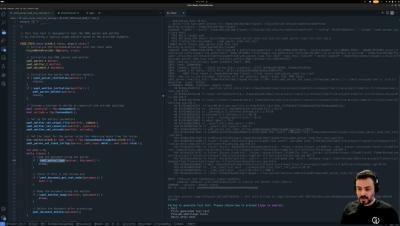
In previous videos, you've seen that LLM can generate fuzz tests. But what if AI fails to produce a working test or to cover specific workflows that are unavailable as unit tests or usage examples in the code base? You can prompt AI to make changes. Here is how the "Interactive mode" works in CI Fuzz.

Step 3. How to automatically validate AI-generated Fuzz Tests

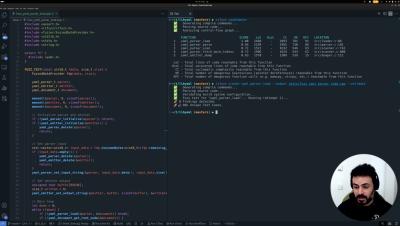
After generating fuzz tests with LLMs, the next important step is verifying that these tests are of high quality and ensuring they run and work as intended. CI Fuzz can now automatically build the generated fuzz test, run it, and perform a health check to assess its quality and refine it further if it doesn't pass the health check. Watch the video to see it in action.

Step 2. How to automatically generate fuzz tests with LLMs

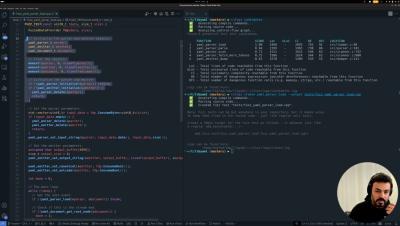
Creating high-quality fuzz tests is essential for efficient fuzz testing. However, crafting these tests is a time-consuming, manual process, which has become a major barrier to the widespread adoption of fuzz testing. Watch the video to see how CI Fuzz can automatically generate high-quality fuzz tests by leveraging LLMs and static analysis.

Step 1. How to automatically identify fuzz testing targets

The first step to start fuzzing is to identify what part of the software you want to fuzz. You definitely want to fuzz the most critical functions/APIs—those that exercise a significant amount of code and trigger key functionalities. However, manually identifying these targets can be time-consuming and challenging. Watch the video to see how CI Fuzz can automatically prioritize functions for fuzzing.

Step 1.2. How to identify best targets for fuzzing based on a coverage report

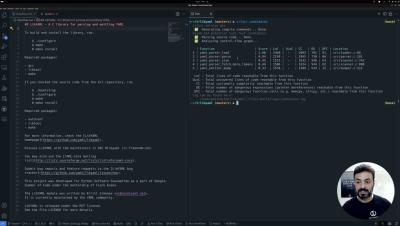
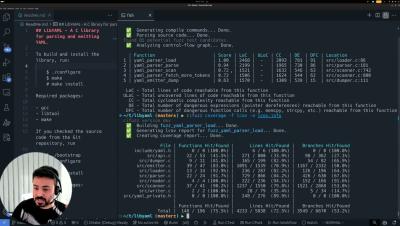
If you want to automate your code analysis to identify the best fuzzing targets, you can do so with CI Fuzz. In the previous video, Khaled demonstrated how CI Fuzz automatically prioritized functions to test. But what if you already have unit or fuzz tests? CI Fuzz can analyze an LCOV coverage report and identify less-covered functions. These functions will now receive higher scores, highlighting them as top targets for new tests.

Top 5 SAST Auto-fixing Tools and How They Compare

7 hours. That’s how long, on average, a developer takes to remediate a security issue in their code. Vulnerability detection is improving rapidly and scaling, but remediating security risks is still a tedious, time-consuming process that takes developers away from their core work. And now, with AI-generated code introducing vulnerabilities at greater speed and volume than ever before, remediation is taking even more time.

Understanding, detecting, and fixing buffer overflows: a critical software security threat

Buffer overflows are one of the oldest and most dangerous vulnerabilities in software security. A heap buffer overflow was the second most exploited vulnerability in 2023. Over the years, it has enabled countless attacks, often with severe consequences, such as Cloudbleed in 2017. Despite advances in security practices, buffer overflows continue to pose significant risks, especially in software written in low-level languages like C and C++.