Security | Threat Detection | Cyberattacks | DevSecOps | Compliance

User Provisioning with SCIM

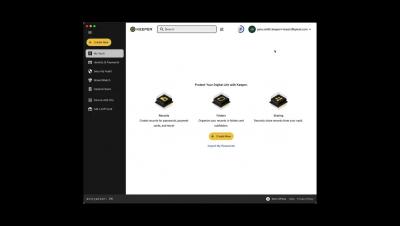
Keeper supports the ability to provision users and teams from Microsoft Azure AD or other identity platforms using the SCIM protocol. For customers that utilize Azure AD, users can be provisioned to the platform and automatically added to Teams to receive shared folders. Before setting this up, we recommend that you consider activating Keeper's powerful SSO Connect integration with Azure AD that provides realtime user authentication and Just-In-Time provisioning.

Keeper for Android on Google Play

Tired of constantly forgetting and resetting your passwords? Let Keeper remember them for you. Keeper automatically generates strong passwords, stores them in a secure digital vault accessible from any device, and autofills them across all of your sites and apps. Keeper's powerful encryption protects your passwords and sensitive information from data breaches, ransomware, and other cyberattacks. With Keeper, you can.

Instant Zero-Trust Access to Remote IT Infrastructure

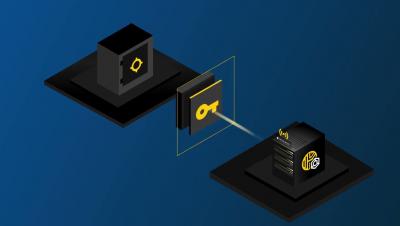
Tired of the latency, availability and reliability issues of VPNs and legacy remote desktop tools? Keeper Connection Manager (KCM) provides DevOps and IT teams with effortless access to RDP, SSH, database and Kubernetes endpoints through a web browser on any device. Watch this webinar to learn more about KCM and how you can grant access to privileged systems without exposing login credentials. During the webinar, Zane Bond, Sr. Director of Product Management, will cover.

Keeper One-Time Share for Android

Keeper "One-Time Share" provides time-limited, secure sharing with anyone, even if they don’t have a Keeper account. One-Time Share is the most secure way to send confidential information to a friend, family member or co-worker without exposing sensitive information in plain text over email, text message or messaging. To share a record using One-Time Share on an Android device, select the record and tap Share. From the options, select One-Time Share. Next, tap the One-Time Share icon in the lower right corner of your screen and select your preferred record access expiration.