Security | Threat Detection | Cyberattacks | DevSecOps | Compliance


How to Build a Startup Security Team: Advice from Security Experts
With the rise of security threats comes an increased need for strong security measures, but it’s hard to know where to invest your time and money, especially if you’re a small startup. Who should own security when you first get started? Is it worth it to hire a Chief Security Officer (CSO) right away? Is it better to build out an internal security team or hire an external agency instead?
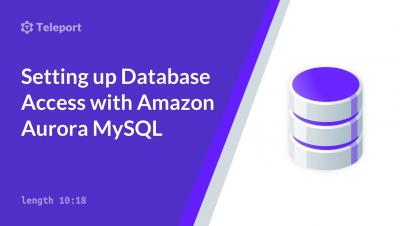
Setting up Teleport Database Access with Amazon Aurora MySQL
Achieving SOC2 Compliance for Teleport Cloud with Teleport On-Prem
Teleport has been instrumental in helping our clients achieve difficult security and compliance requirements, and today we are proud to announce that our Cloud offering is now SOC2 Type II compliant. Last year our on-premises product was SOC2 Type II certified, and we published an overview on our blog helping explain what SOC2 is and why it has become table stakes for B2B SaaS companies.
Setting up Database Access with Amazon Aurora PostgreSQL
Federating Amazon Redshift Access using Teleport
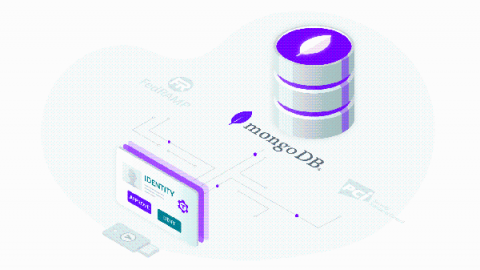
Securing Access to Your MongoDB Database
MongoDB is one of the most popular open-source databases. Unfortunately, this also means ubiquity of misconfigured and unsecured MongoDB deployments out in the wild. Just in recent years, we’ve seen several hacks involving thousands of MongoDB databases left exposed online without any protection, making them ripe for the hacker’s picking. It doesn’t have to be this way, though.