Security | Threat Detection | Cyberattacks | DevSecOps | Compliance

The Latest Cybersecurity News & Insights From Around The World

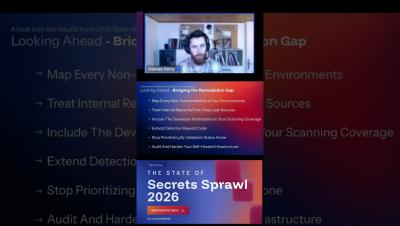
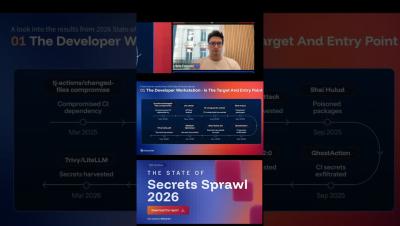
Developer laptops are the credential store attackers are picking through in 2026
GitGuardian is introducing Developer Endpoint Protection, extending its secrets and non-human identity (NHI) security platform coverage to developer workstations.
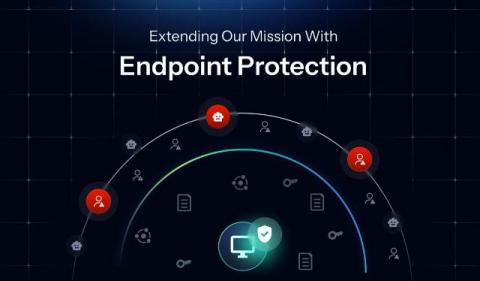
Extending Our Mission With Developer Endpoint Protection
Developer laptops are the most unmonitored credential store in your stack. GitGuardian's new Endpoint Protection finds every credential on every machine before infostealers do.
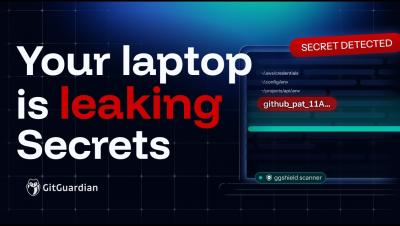
GitGuardian Developer Endpoint Protection: Secret Scanning For Your Laptops
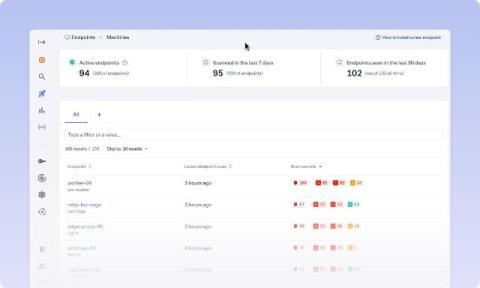
GitGuardian Developer Endpoint Protection helps security teams find secrets across any of your organization's laptops. In this walkthrough, Dwayne shows how to install ggshield, enable the machine scan plugin, run a local workstation scan, and review findings in the local dashboard.
Gitguardian Agent Skills: Secret Detection and Remediation For AI-Assisted Development
With these skills, any AI coding assistant, including Claude Code, Cursor, or Codex, can now scan code for secrets and provide guided remediation within developer workflows.
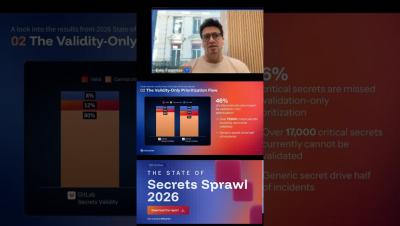
KCD New York 2026: Trust, Agents, and the Work Behind the Work
The 2026 Kubernetes Community Day in NYC made trust an execution problem, linking zero trust APIs, agent governance, CVE evidence, and sustainable open source work.
You Can't Secure What You Can't See: Making Non-Human Identities Governable
Non-human identities (NHIs) authenticate pipelines, connect microservices, pull from secret managers, and provision cloud resources around the clock. They are also, for most security teams, almost completely invisible. Because there has never been a single place to see all of them at once.