Why you can trust 1Password's cloud-based storage and syncing
‘Can I trust a password manager that stores my data in the cloud?'


‘Can I trust a password manager that stores my data in the cloud?'
The European Union (EU) General Data Protection Regulation (GDPR) turns five this year. While the law spawned many imitators, most notably the California Consumer Privacy Act (CCPA), the GDPR remains the world’s most comprehensive, far-reaching data privacy law to date. It gave European citizens a wide swath of new data privacy rights, while placing significant new data governance responsibilities on organizations.
Have you ever checked on your passwords and noticed a warning that they’ve been compromised? One compromised password can put all your credentials at risk, but how does this happen? Your passwords may be showing as compromised due to a breach, poor password practices or for other reasons. Read on to learn more about compromised passwords and how you can start better securing them.
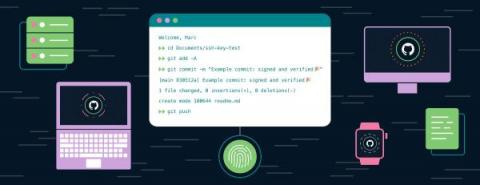
Recent breaches at Uber and Slack highlight the risks of storing secrets in plaintext on disk. But that’s just the way it works, right?
Dark web monitoring is an important tool that gives businesses and people insight into what information about them is available on the dark web. A dark web monitoring tool works by scanning thousands of websites, searching for your credentials and personal information. However, not all dark web monitoring tools and services are built the same. Different services offer different features when scanning through lists of stolen credentials and personal data.
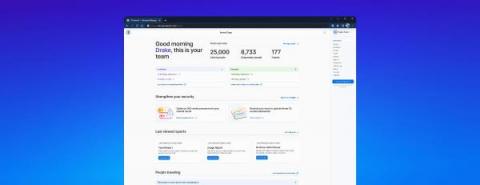
Starting today, 1Password Teams and Business customers have access to a new, streamlined Admin Dashboard. The new dashboard is your home for reporting, Insights, Travel Mode, and user management.
If you don’t already have a password manager, the process of changing all your passwords can be difficult and time consuming. You can quickly change all your passwords by using a password manager like Keeper. While there are many reasons why someone would want to change all of their passwords at once, one of the main reasons could be that they found out one or more of their passwords were compromised.
We are kicking off 2023 with a number of new features, improvements and security updates to Keeper’s growing line of award-winning security solutions. Keeper prides ourselves in a culture of innovation to continually improve security and functionality for our customers – both businesses and consumers alike.