The latest News and Information on Application Security including monitoring, testing, and open source.
Building an application security program can be overwhelming. The steady stream of content encouraging teams to shift left is inspiring, but it doesn’t help you get started. Looking toward organizations with mature AppSec initiatives can make the gap seem insurmountable — all while an actionable plan remains elusive. Like anything else in software development, application security is a journey. A journey that’s much more enjoyable with some guiding principles.
Security is one of the most changeable landscapes in technology at the moment. With innovations, come new threats, and it seems like every week brings news of a major organization succumbing to a cyber attack. We’re seeing innovations like AI-driven threat detection and zero-trust networking continuing to be a huge area of investment. However, security should never be treated as a single plane.
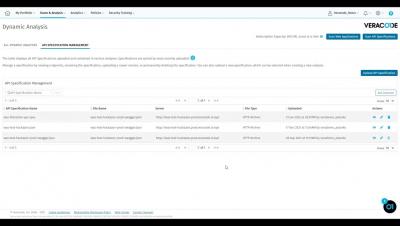
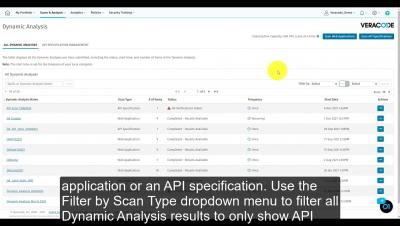
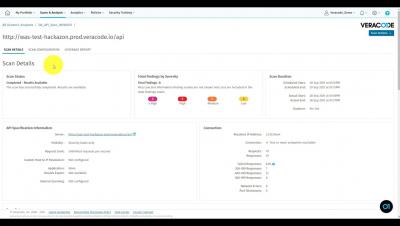
It’s Clint Pollock, principal solutions architect, here for the final lesson in the four-part series on how to use Veracode from the command line in the Cloud9 IDE to submit a software composition analysis (SCA) scan and a dynamic scan. To start, if you’re looking to leverage the Veracode API signing docker image with the Veracode rest APIs, go to the Help Center, go to the Rest API section, and take a look at the available options.