Security | Threat Detection | Cyberattacks | DevSecOps | Compliance

Stephen Balkam explains how parents can keep their children safe online

It’s a concern for families everywhere: keeping kids safe online. For parents with teenagers, there’s the added complication of trying to balance a child’s safety with their right to privacy. But is online safety just families’ problem?

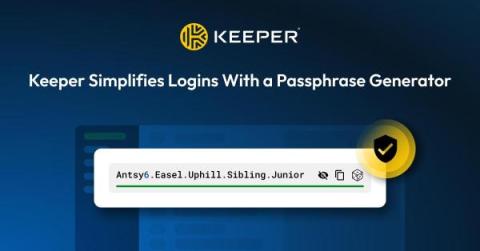
Keeper Simplifies Logins With a Passphrase Generator

Keeper Security is pleased to announce that passphrases are now supported in the Keeper Vault. Passphrases provide a highly secure yet easy-to-remember approach to logins for all users, and can be both generated and stored with Keeper. Keeper’s passphrase generator is a new option within its existing password generator. Users and admins will have the choice of which generator they would like to use or enforce for their organization.

How To Prevent Brute Force Attacks

Brute force attacks are one of the most common methods used by cybercriminals to steal credentials from organizations. To prevent brute force attacks, organizations need to enforce the use of strong and unique passwords, invest in a business password manager, require employees to enable MFA, monitor and limit login attempts, implement passwordless authentication and delete inactive accounts.

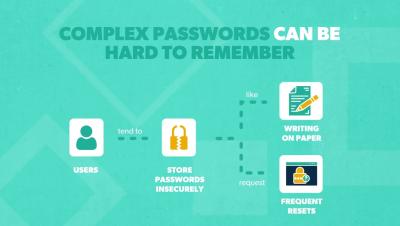
Password Length vs Complexity: Which Is More Important?

In this video, learn about the differences between password length and complexity, which is more important, and four tips to improve password security in your organization. Learn more about: Resources and social media: Transcript: It’s no secret that passwords aren’t foolproof. In fact, the most common way that hackers infiltrate an organization is through stolen credentials. But until the day that everything has shifted to passwordless authentication, passwords are still necessary. So, how can we make them as strong and effective as possible?

Six Ways To Prevent Privilege Escalation Attacks

Organizations need to prevent privilege escalation attacks to protect their sensitive data from unauthorized access. To prevent privilege escalation attacks, organizations should implement least privilege access, follow password security best practices, enforce Multi-Factor Authentication (MFA), keep software up to date, monitor network traffic and regularly run penetration tests.

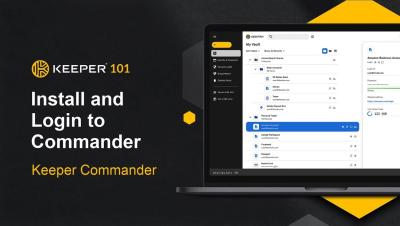
Keeper 101 | Enterprise - How to Install Keeper Commander CLI

Keeper Commander is a command-line and SDK interface to Keeper® Password Manager. Commander can be used to access and control your Keeper vault, perform administrative functions (such as end-user onboarding and data import/export), run reports and create custom automations. Keeper Commander is an open source project with contributions from Keeper's engineering team and partners. Keeper recommends installing Commander using the binary installation. On the Commander Github page, the current commander build is always available via the releases link.

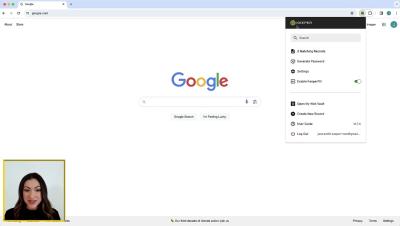
Keeper 101 - How to Autofill Passwords and Forms With KeeperFill

Introduction KeeperFill is Keeper’s powerful, autofilling feature that works across all devices, allowing you to automatically and securely enter your usernames, passwords, passkeys, 2FA codes and more. I KeeperFill is available for every web browser including: Chrome, Firefox, Safari, Edge, Opera, Brave and any other Chromium-based browser.