
How to Upgrade a MacBook: Instructions for Different Models
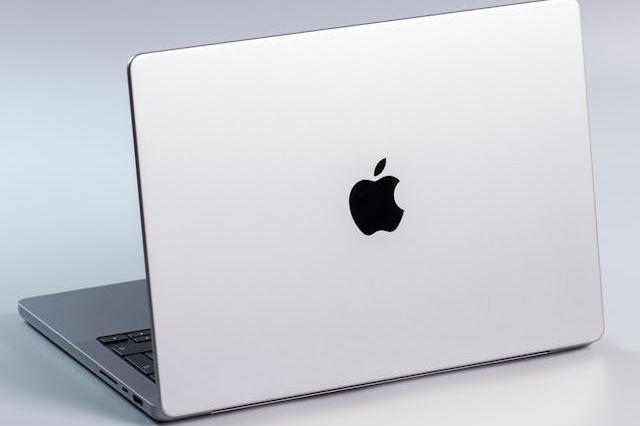
Over time, some features of your MacBook may become outdated. In such cases, it’s worth considering an upgrade. Let’s examine options and learn how to upgrade MacBook.
Upgrading the MacBook Pro
The upgrade options for MacBook Pro models vary depending on the year and size:
15 and 16-inch models:
-
A1286 (2009–2012): these models offer the most flexibility. You can replace the display, top case, keyboard, trackpad, battery, DVD drive, AirPort card, speakers, logic board, and MagSafe board. Upgradeable components include RAM, HDD/SSD, logic boards, and you can even replace the DVD drive with an additional storage slot or upgrade the display.
-
A1398 (late 2012–2015): these models allow replacement of the display, top case, keyboard, trackpad, battery, AirPort card, speakers, logic board, and MagSafe board. You can upgrade the SSD and logic board.
-
A1707, A1990, and A2141 (2016–2019): for these models, you can replace the display, top case, battery, speakers, logic board, and USB-C ports. The only upgradeable component is the logic board.
-
A2485 (2021): this model allows the display replacement (requires programming), top case, trackpad, battery, speakers, logic board (requires programming), and USB-C ports. The logic board can be upgraded, but it requires programming.
13 and 14-inch models:
-
A1465, A1466 (2012-2017):
-
Replaceable components: same as MacBook Pro 2012-2015.
-
Upgradeable parts: SSD, logic board.
-
-
A1932 (2018–2019) and A2179 (2020):
-
Replaceable components: display, top case, battery, speakers, logic board, USB-C ports.
-
Upgradeable parts: logic board only.
-
-
A2337 (2020):
-
Similar to previous models, with the additional option to replace the trackpad.
-
Upgrading MacBook Air
MacBook Air upgrade options also vary by model:
-
A1465, A1466 (2012–2017): these models allow replacement of the display, top case, keyboard, trackpad, battery, AirPort card, speakers, logic board, and MagSafe board. You can upgrade the SSD and logic board.
-
A1932 (2018-2019) and A2179 (2020): for these models, you can replace the display, top case, battery, speakers, logic board, and USB-C ports. The only upgradeable component is the logic board.
-
A2337 (2020): this model allows the replacement of the display, top case, battery, speakers, logic board, USB-C ports, and trackpad. The logic board can be upgraded.
How to Upgrade the Hard Drive or SSD on a MacBook
The difficulty of replacing storage devices is considered high. To perform the upgrade, you will need a screwdriver and a new HDD or SSD drive.
Instructions for replacing the storage device can vary greatly depending on the model. Since there are many Apple laptop models, you will need to find a guide for your specific MacBook or seek assistance from a professional.
How to Upgrade Random Access Memory (RAM) on a MacBook
For replacement, you will need a screwdriver and a compatible RAM module. It is recommended to carefully select modules. Remember that using original Apple components is the best way to ensure compatibility and stable operation of your MacBook after the upgrade.
Source: Blog Techtoro.io