
How to Clean Charging Cable Connectors and Magnetic Tips?
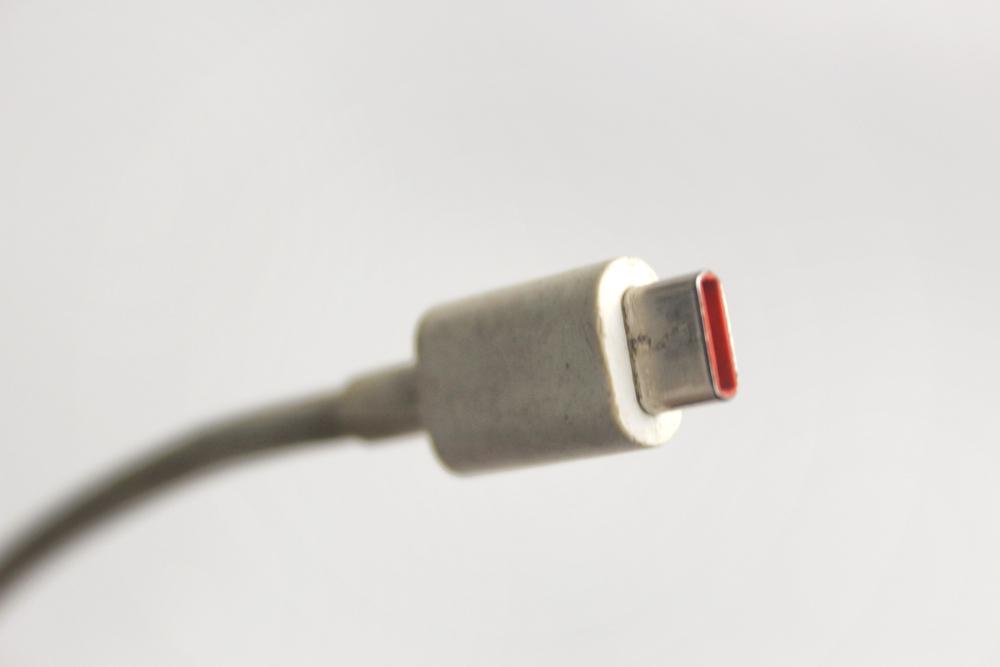
Image Source: depositphotos.com
Dirty charging cable connectors are one of the most overlooked causes of slow charging, intermittent connections, and outright charging failure. Dust, lint, oxidation, and skin oils all settle into connector contacts over time, and the buildup gradually disrupts the electrical connection. For users of magnetic charging cables, the magnetic tips face even more exposure since they detach and reattach constantly, collecting debris with every cycle. A proper cleaning routine can restore full charging speed, extend the life of the cable, and prevent damage to the port itself. This guide covers exactly how to do it right.
What You'll Need and Why Regular Cleaning Matters
Before touching a single connector, it helps to gather the right tools. Using the wrong materials, such as sharp metal objects or soaking wet cloths, can scratch contact pins, introduce moisture into charging ports, or push debris deeper into the connector housing. The right approach starts with the right supplies.
The Essential Cleaning Tools for Connector Maintenance
A soft-bristle toothbrush, isopropyl alcohol (90% or higher), cotton swabs, a can of compressed air, and a wooden or plastic toothpick are all that most people need. The high-alcohol concentration matters because it evaporates quickly and leaves no residue on the metal contacts. Avoid rubbing alcohol with lower concentrations, as the extra water content takes longer to dry and may affect the connector housing over time.
For magnetic charging cable tips specifically, a small piece of microfiber cloth works well for polishing the flat magnetic surface. These tips accumulate metallic dust and fine particles because of their magnetic nature, so a dedicated wipe-down tool keeps the contact surface clean without scratching it. Users who rely on magnetic cables from quality collections like https://statik.com/collections/magnetic-cables and other similar, will notice that clean tips consistently hold a stronger connection and deliver more stable power transfer.
Why Buildup on Connectors Causes More Than Slow Charging
Most people notice a dirty connector only after the charging speed drops noticeably or the cable needs repositioning to charge at all. But the consequences go beyond inconvenience. Oxidation on copper contact pins increases electrical resistance, which in turn generates heat during charging. Repeated heat cycles degrade both the connector and the device port over time.
Lint and debris packed tightly into a USB-C or micro-USB connector can physically prevent full connector insertion. A cable that sits even slightly off-center in a port distributes pressure unevenly across the pins, which accelerates pin wear. In some cases, users mistake a dirty connector for a failing cable and replace it unnecessarily. Regular cleaning prevents this entire chain of problems.
How Often Should Connectors and Magnetic Tips Be Cleaned
The right cleaning frequency depends on usage habits and environment. In general, a light clean every two to four weeks is reasonable for everyday users. People who carry cables in bags or pockets alongside keys, coins, and other debris should clean connectors more frequently, possibly every week.
Magnetic tips deserve special attention because they collect ferromagnetic particles from the surrounding environment passively. Even a cable stored in a drawer or bag accumulates tiny metallic shavings over time. A quick visual check under good lighting every few days takes only seconds and helps catch buildup before it affects performance. Proactive maintenance always costs less effort than reactive troubleshooting.
Step-by-Step Cleaning Methods for Connectors and Magnetic Tips
With the right tools ready, the cleaning process itself is straightforward. The method varies slightly depending on the connector type, so the steps below cover both traditional connectors and magnetic tips separately for clarity.
How to Clean Standard USB and USB-C Connector Ends
The first step is always to unplug the cable from both the device and the power source. Never attempt to clean a connected cable. Once unplugged, hold the connector under a small lamp or flashlight to inspect it visually. This step reveals the actual condition of the contacts and shows where debris has settled.
Take a dry, soft-bristle toothbrush and gently scrub along the contact surface of the connector end in short, light strokes. The goal is to dislodge loose dust and lint without bending the contact pins. Follow this with a short burst of compressed air aimed directly into the connector housing to blow out loosened particles. For any residue that remains on the metal contacts, dip a cotton swab lightly in isopropyl alcohol, squeeze off the excess, and gently rub the contact surface. Allow the connector to air dry for at least two minutes before use.
For debris packed into the interior of a USB-C connector, a wooden or plastic toothpick can dislodge compacted lint carefully. Metal tools should never enter the connector housing because they risk scratching or bending the center pin.
How to Clean Magnetic Charging Cable Tips Effectively
Magnetic tips require a slightly different approach due to their flat contact design and their tendency to attract fine metallic particles. The first step is to detach the tip from the cable and inspect both the magnetic face and the contact pins under good light.
To remove metallic dust and fine debris from the magnetic surface, press a small strip of tape firmly onto the tip face and peel it away. This method lifts embedded particles without any liquid or abrasion. For stubborn residue on the contact points, apply a small amount of isopropyl alcohol to a microfiber cloth and gently wipe the surface in one direction. Avoid circular scrubbing, as it can redistribute particles across the contact area rather than remove them.
After the tip is clean, check the corresponding socket on the cable end as well. Use compressed air to clear any debris from the socket, and confirm that the magnetic connection clicks firmly back into place with no wobble. A properly cleaned magnetic tip should snap back onto the cable with a satisfying, even hold.
Mistakes to Avoid During the Cleaning Process
Several common mistakes can turn a simple cleaning task into an expensive repair. The most frequent error is using too much liquid. Even isopropyl alcohol should only be applied sparingly. Excess liquid can seep into the cable housing and cause internal corrosion that is not visible from the outside.
Another mistake involves skipping the drying step. A connector that goes back into use before it fully dries can cause a short or leave a residue film on the contacts. Two to three minutes of air-drying time is sufficient for isopropyl alcohol at 90% or higher concentration.
Finally, some people use abrasive materials such as rough cloths or sandpaper in an attempt to remove heavy oxidation from contact pins. While light oxidation comes off with alcohol, heavy corrosion typically means the connector needs replacement rather than cleaning. Abrasive treatment removes the protective plating on the pins and accelerates further oxidation, making the problem worse in the long run.
Conclusion
Clean connectors and magnetic tips are a straightforward factor in consistent, reliable charging performance. A few minutes of careful maintenance every few weeks prevents the slow buildup that causes real charging issues over time. With the right tools and a methodical approach, anyone can keep their charging cables in top condition without any technical expertise. Consistent care is simply good practice for anyone who depends on their devices daily.