
Ensuring Longevity: The Essential Guide to Epson Printer Ink Management
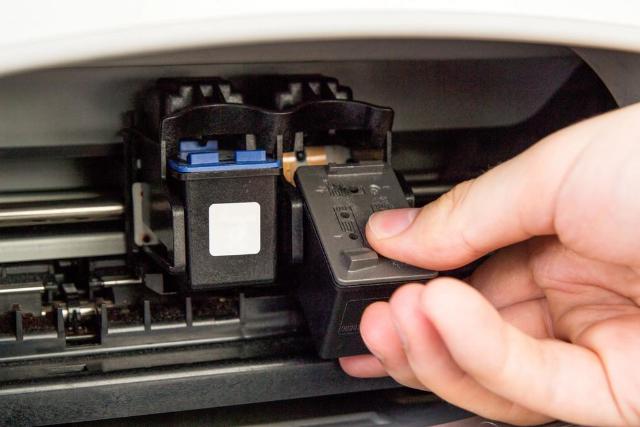
Image Source: depositphotos.com
Maintaining your Epson printer is essential for ensuring optimum performance and longevity. One of the key aspects of printer maintenance is managing your Epson printer ink efficiently. This involves more than simply replacing cartridges when they run low. A proactive approach to ink management can save costs, reduce waste, and extend the life of your printer. In this guide, we will explore several strategies to manage your Epson printer ink effectively.
Understanding Your Printer's Ink Requirements
Before delving into maintenance tips, it’s crucial to understand your printer's specific ink requirements. Different models may use varying ink types, each with its properties and usage patters. Always refer to the manufacturer's guidelines to ensure compatibility and prevent potential damage to your printer.
Selecting the Right Ink Cartridges
Choosing the correct ink cartridges is paramount. Whether you use original Epson cartridges or compatible alternatives, make sure they match your printer model. Using inappropriate cartridges can lead to poor print quality and might even harm your printer.
Regular Printer Use
Occasional use of your printer is vital to prevent ink from drying out in the nozzles, which can lead to clogs. Try to print a few pages at least once a week, using both colour and black ink, to keep the ink flowing smoothly.
Proper Ink Storage
Extra ink cartridges should be stored in a cool, dry place, away from direct sunlight. This maintains the ink's consistency and prevents premature drying, which can affect print quality once the cartridge is used.
Monitoring Ink Levels
Regularly check your printer's ink levels through its software interface. This practice will help anticipate the need for replacements and avoid running out of ink halfway through important print jobs.
Clean the Print Heads
Over time, print heads might get clogged with dried ink, resulting in streaky or faded prints. Use your printer's built-in cleaning function to clear blockages. It's advisable to perform this maintenance periodically, but not excessively as cleaning cycles can consume a significant amount of ink.
Use High-Quality Ink
While it might be tempting to opt for cheaper inks, low-quality products can compromise print quality and potentially damage your printer. Investing in high-quality Epson printer ink ensures crisp prints and reliable performance without risking harm to your machine.
Print Settings and Optimisation
Optimise your printer settings according to the documents you print. For example, draft mode uses less ink and is suitable for internal documents where top quality is not essential. For final prints, switch to higher quality settings to ensure the desired output.
Conserving Printer Ink
Conserving ink not only saves money but also limits the frequency of cartridge replacements. Be mindful of printing only what's necessary and consider using functions like duplex printing to maximise paper and ink usage.
Turn Off the Printer Correctly
Always turn off your printer using the power button, which allows it to seal the cartridges and prevent the ink from drying out. Unplugging the printer without properly shutting it down can increase the risk of ink drying within the nozzle region.
Handle Cartridges Carefully
When installing new cartridges or removing old ones, handle them carefully to avoid spilling ink or damaging the print nozzles. Touching these sensitive areas can affect print quality and cause technical issues.
Understand Your Print Needs
Lastly, be aware of your printing needs and adapt accordingly. If high-quality colour prints are rare, consider using black and white or greyscale printing options more frequently to extend the life of your colour cartridges.
Conclusion
Effective management of your Epson printer ink is crucial for maintaining your printer's health and ensuring it remains a reliable asset for your work or personal tasks. Implement the mentioned tips to not only save on operational costs but to also ensure that your printer functions efficiently for years to come.
Final Thoughts on Ink Management
Ink management may seem like a minor aspect of office or home maintenance, but its impact on cost-efficiency and device longevity is substantial. Smart ink practices not only contribute to better print quality but also align with environmentally sustainable printing by reducing waste. By following the guidelines provided, you can enjoy uninterrupted printing and preserve the life of your Epson printer.