
6 Smart Ways to Strengthen Your Cybersecurity Before It's Too Late
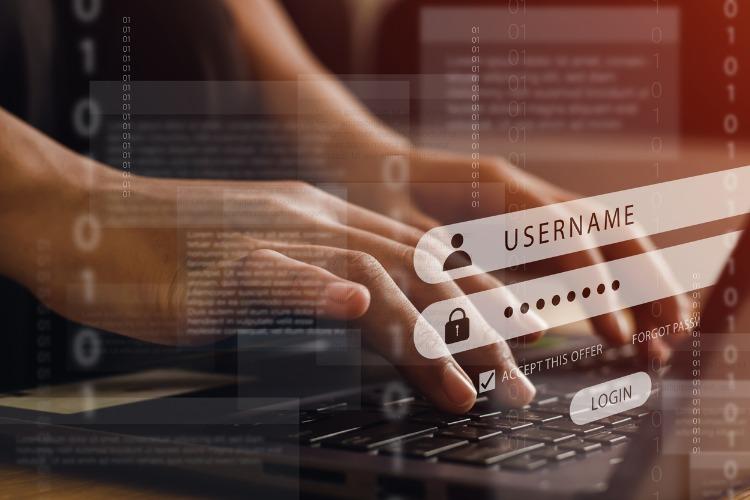
Online threats are rising every day. Many small companies are easy targets because they don't have strong safety measures in place. They may use simple passwords or forget to update their tools. Hackers take advantage of this and can cause real damage.
The good news is, you don't need to be an expert to protect your work. There are easy actions you can take today. These steps don't need much time or money. They just need care and attention. In this guide, we'll go through six clear ways to help you stay safe and avoid problems later on.
1. Use Strong, Unique Passwords for Everything
Many people use the same password for many accounts. This is a big mistake. If one account gets hacked, others can be broken into quickly. Each account should have its own strong password that's hard to guess. Use at least 12 characters, mix numbers, and skip personal details like birthdays.
To keep track, use a password manager. It stores your login details safely. This way, you don't have to remember every password. Many password tools are free or low-cost. Using them keeps your online accounts safe and makes managing them easier. It's one of the easiest ways to reduce risk right away.
2. Know When to Ask for Help from Experts
Sometimes, the problem is too complex to handle alone. You might lose access to an account, notice something strange on your phone, or feel that someone may be watching your online activity. In these cases, asking for expert help is not just smart — it can save your data, time, and peace of mind.
For example, businesses opt for services from HireHacker to fix issues like locked email accounts, hacked social media pages, or compromised devices. Their team includes experienced professionals with over a decade of experience in digital security. Such professionals maintain privacy and offer direct solutions to problems that everyday tools can't fix. Small business owners rely on them to act quickly when security becomes a serious concern.
3. Turn On Two-Factor Authentication (2FA)
Using a password is not enough anymore. Adding a second step can stop most break-in tries. This extra step is called two-factor login. It means you need both your password and a code sent to your phone or email.
Many websites offer this option now. It takes only a few minutes to set up. Once it's on, your accounts are much harder to crack. Even if someone gets your password, they still can't get in without the second code. This makes it much safer to use services like email, banking, and social media every day.
4. Back Up Your Data Regularly
Losing files can happen in many ways. Your device might crash, or someone might lock your files with harmful software. Having copies of your files in a safe place helps you recover without stress.
Use cloud tools or an external drive. Back up your work at least once a week, more if you update often. Make sure the copy is kept somewhere safe and easy to reach. If something goes wrong, you can get your files back without delay. It's a simple habit that protects your business from long-term damage.
5. Be Careful What You Click
Not all messages are secure. Some pop-ups or emails attempt to trick you into sharing information. Such deceitful messages appear genuine but direct you to phony websites or install malicious tools.
Pay close attention to what you get. Double-check the sender's name and don't click on links from unfamiliar sources. If something does not seem right, it is better to confirm first before doing anything. Making your staff or assistants learn this also works. One single mis-click can be problematic, so being vigilant is important. A few seconds of caution can halt major trouble.
6. Stay Updated and Keep Your Software Secure
Outdated tools are a big risk. Hackers look for weak spots in old versions. Updates fix those weak spots and help keep your tools safe. Ignoring updates makes it easier for others to get in.
Turn on auto-updates where you can.
That way, your apps and devices stay up to date on their own. If not, set a reminder to check for updates once a week. Keeping your system current is one of the best ways to block common attacks before they start.
Conclusion
Staying protected online doesn't have to be hard. You don't need to know everything about technology. These six steps are simple, clear, and easy to follow. Start with one or two, then build up from there. The goal is not to be perfect, but to be ready.
Taking action now can help you avoid serious problems later. Every small step adds another layer of safety. Whether you run a business alone or with a small team, these habits can keep your work safe and your mind at ease.